Staff / Cloud / Application repositories
Staff users can configure application repositories to fetch application templates for instance creation.
See Application templates for more details.
Application repositories page
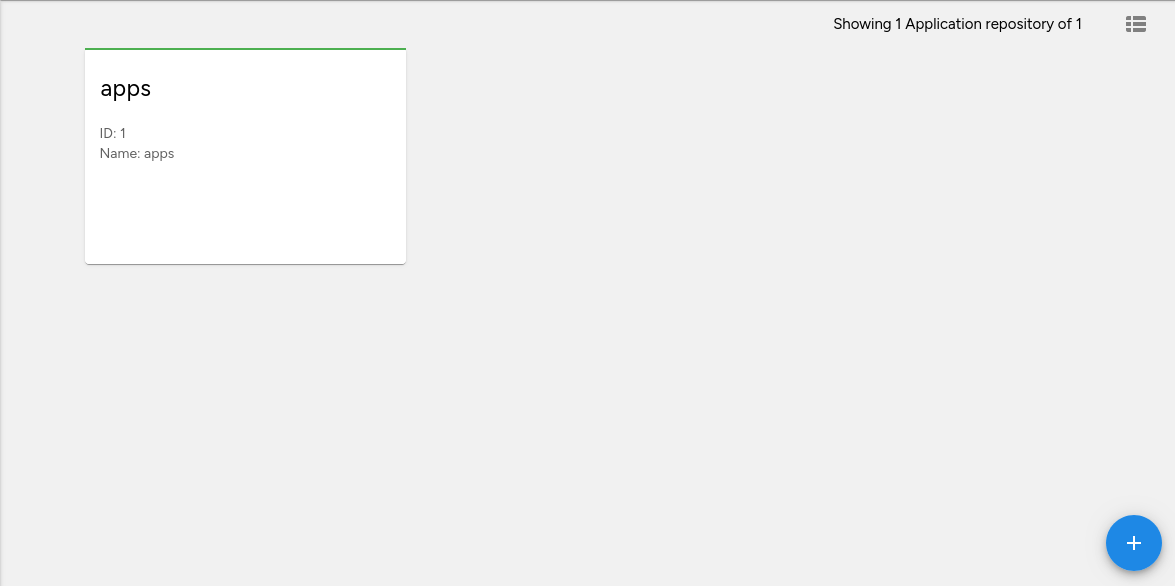
On this page you can see all available application repositories.
Adding an application repository
To add a new application repository click on the Create new application repository button. The create form will be displayed:
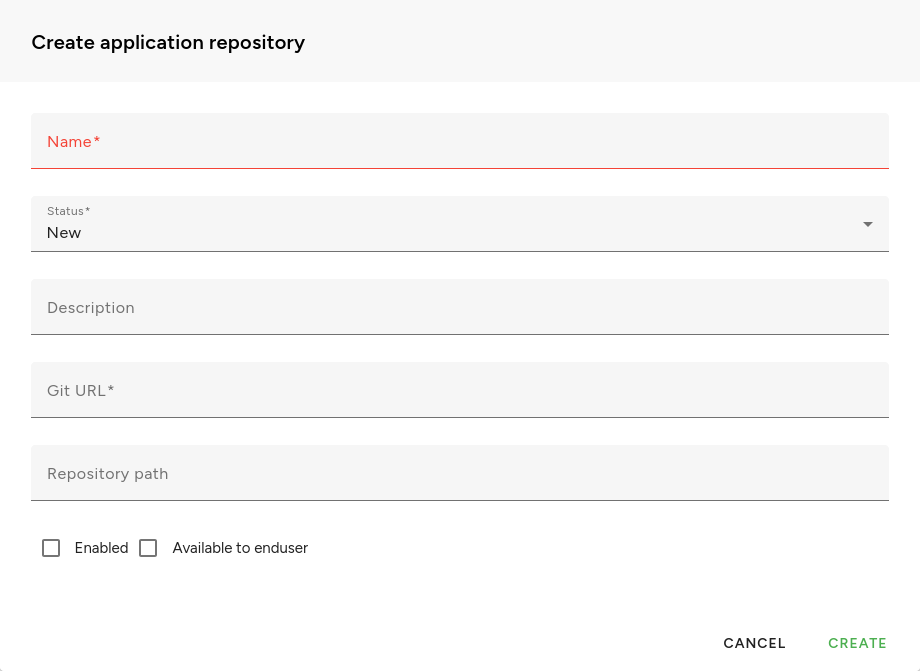
Name and Git URL are required.
Git URL and repository path
The Git URL must be an URL to a git repository that can be used for git clone command.
Warning
The Git URL must be publicly accessible in order for Fleio to be able to clone the repository.
You can also specify a repository path if the application templates are not stored at the top level using the Repository path field.
Application repository status and refreshing a repository
An application repository may have one of the following statuses:
New - repository was just added
Error - there was an error when refreshing the repository
Updating - repository is currently updating
Ready - repository is ready to be used
When a repository is first added, its status is set to New. In order to use the repository you must click on the Refresh button on the repository card to refresh it.
Refreshing a repository updates the list of application templates stored in the Fleio database for that repository.
Application repository details
Overview
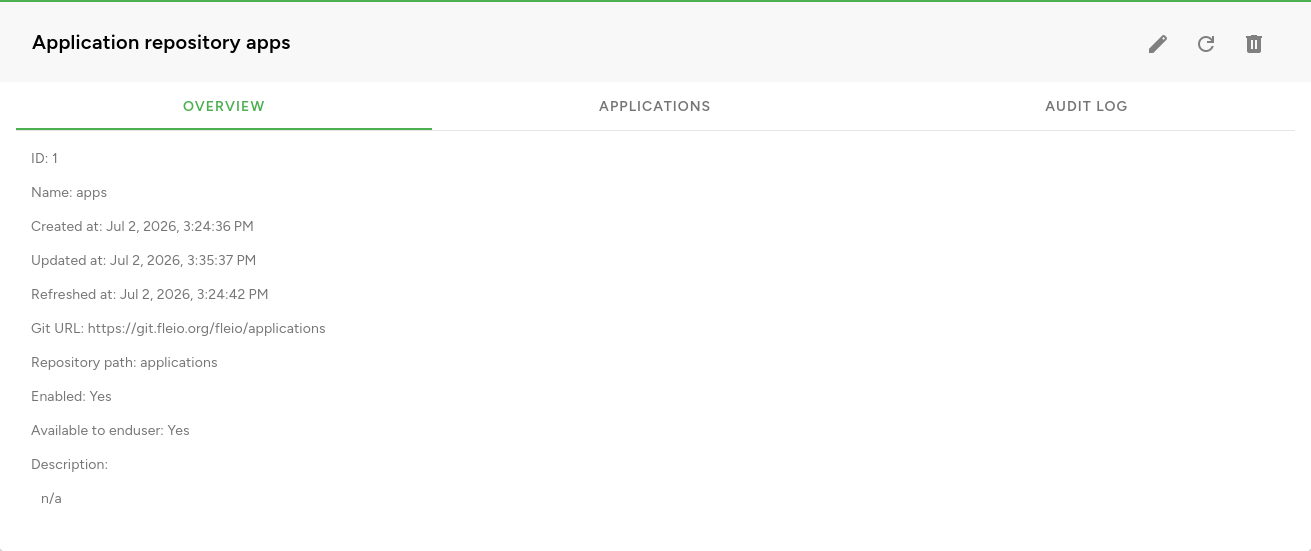
This page displays an overview of the repository.
Applications
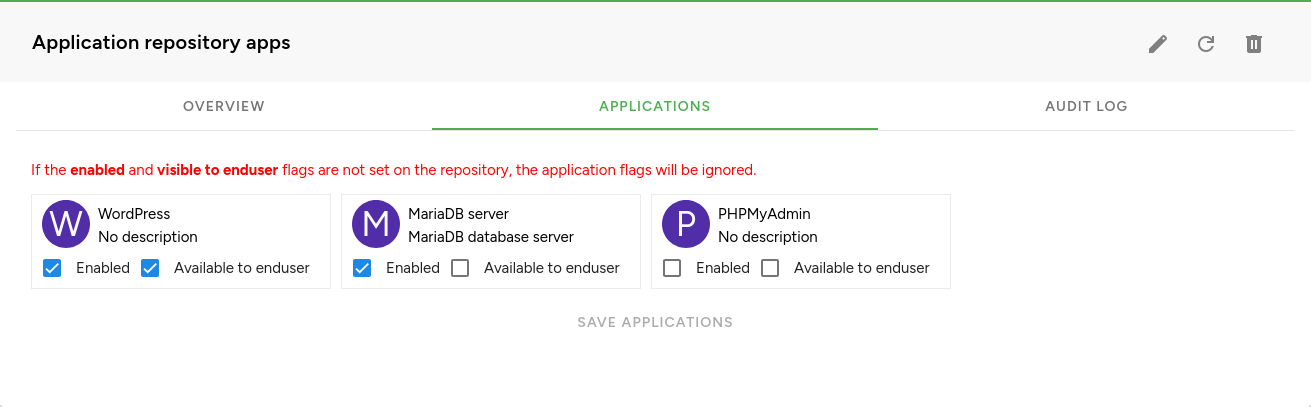
This section displays all application templates registered in Fleio for the current repository. You can modify the Enabled and Available to end user flags for each template.